
Face Search
Reverse Face Search vs. Reverse Image Search: What's the Difference?
Reverse face search and reverse image search both begin with a photo, but they look for very different things. Learn how each works, what each can find, and why the distinction matters.
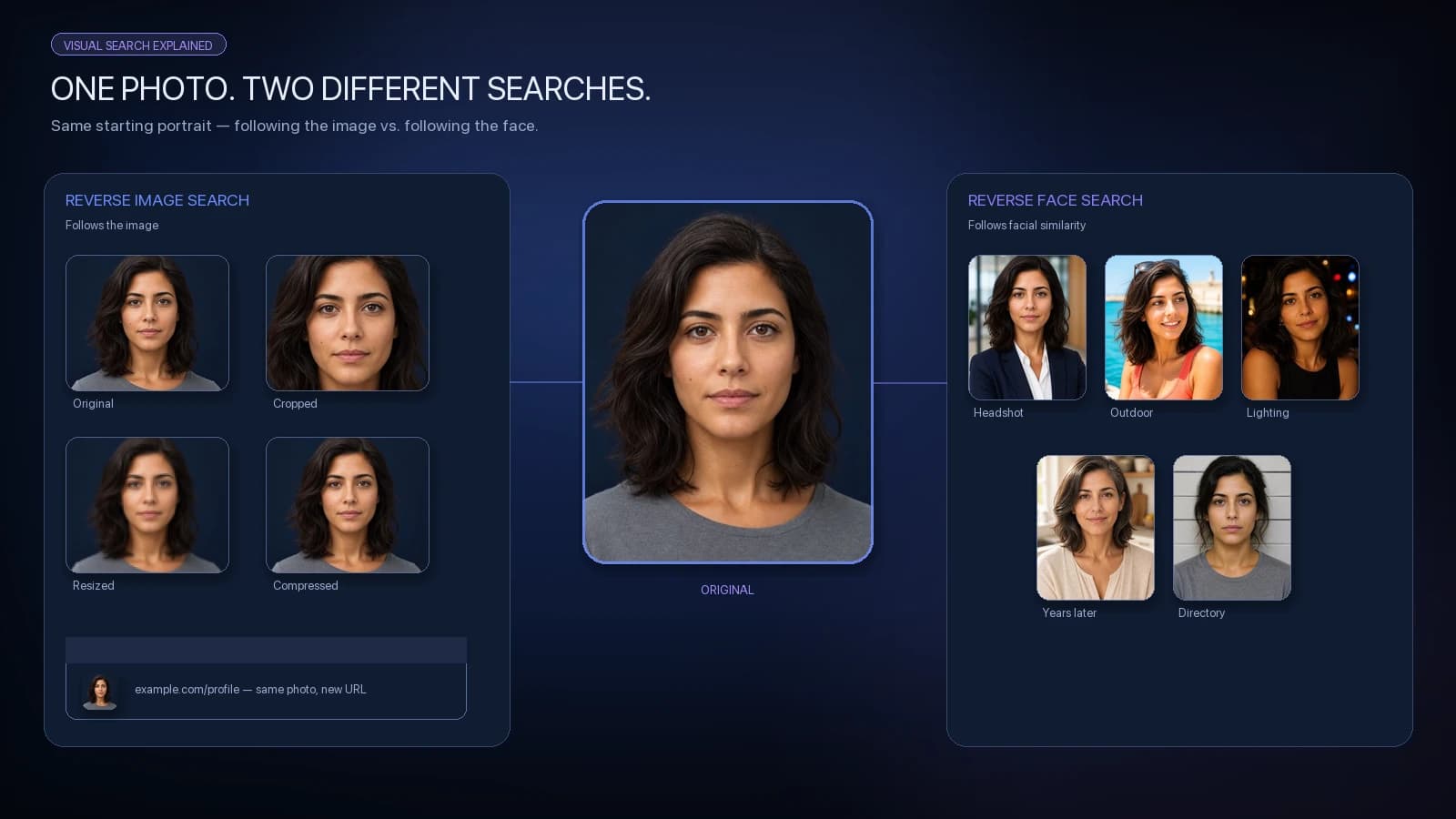
Upload a photo to a traditional reverse image search engine and it generally looks for the same image, modified copies, or visually related content. Upload a face to a reverse face search system and the goal is different: find other images containing faces with similar biometric characteristics.
That difference sounds small. Technically, it changes almost everything about what the search is trying to find.
They both start with an image — but that's where the similarity ends
Reverse image search and reverse face search can look almost identical from the user's perspective. You upload a picture instead of typing a query, wait for the search to run, and receive visual results.
Behind the interface, however, the search objectives are different.
A reverse image search system is primarily interested in the image itself. It may analyze pixels, visual features, objects, colors, composition, and other signals to locate copies, altered versions, or related imagery.
A reverse face search system focuses specifically on a detected face. Modern facial recognition systems can convert that face into a numerical embedding and compare it with embeddings generated from other faces.
The practical difference is simple:
Reverse image search asks: “Where else does this image appear?”
Reverse face search asks: “Where else might this face appear?”
That distinction determines what each technology is likely to find.
What reverse image search looks for
Traditional reverse image search is particularly useful when the image itself is what you're trying to trace.
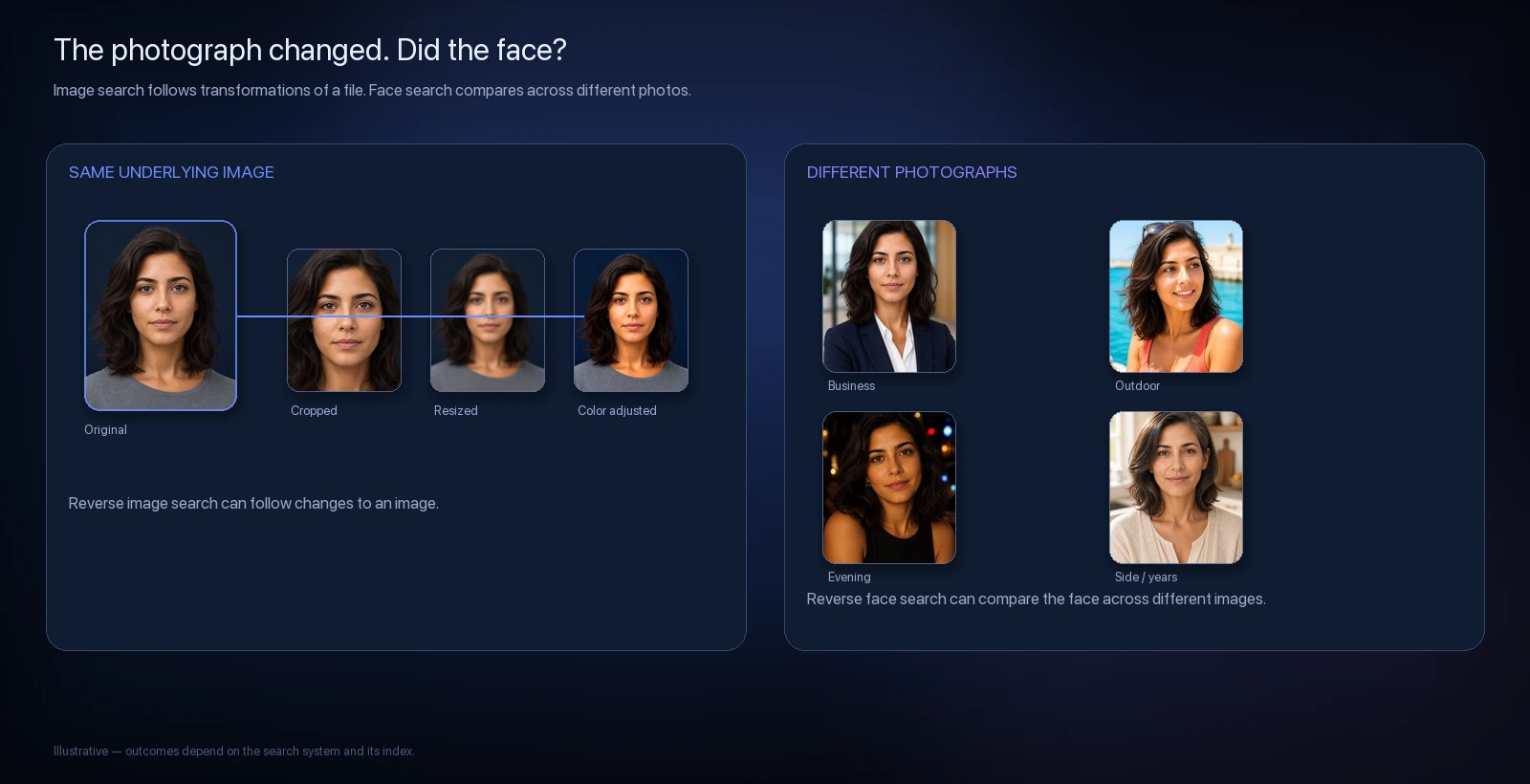
Imagine that you upload a portrait. Another website has published the exact same photograph, but it has been cropped, resized and recompressed. A reverse image search system may still recognize that those files originate from the same image.
This makes reverse image search useful for things such as:
finding copies of a photograph;
locating higher-resolution versions;
discovering websites that reused an image;
identifying visually related images;
finding the original or an earlier source of an image.
But consider a different situation. Someone takes another photograph of the same person six months later. Different camera. Different clothing. Different background. Different lighting.
There may be almost no pixel-level relationship between the two photographs. That's where face search becomes fundamentally different.
What reverse face search looks for
Reverse face search approaches the problem differently.
Once a face is detected and aligned, a facial-recognition model can transform it into an embedding: a numerical representation learned by the model for comparing faces.
The system can then compare that representation against other face embeddings in a searchable index.
That means two photographs do not need to contain the same pixels to produce a strong similarity result.
One might be a formal headshot. Another might have been taken outside. A third might show the face from a slightly different angle or several years later.
The photographs themselves can be very different while the facial representations remain similar enough for the system to surface them as possible matches.
That's what allows reverse face search to discover images that conventional reverse image search may not connect.
But similarity is not identity. A strong facial similarity result means the model found similar visual characteristics. It does not independently establish that two photographs depict the same person.
A side-by-side example
Suppose we start with one clear portrait.
Reverse Image Search | Reverse Face Search | |
|---|---|---|
Primary target | The image | The face |
Same exact photo | Likely useful | May also match |
Cropped copy | Often useful | May also match |
Resized copy | Often useful | May also match |
Different photo of same person | May not connect it | Designed for this |
Different lighting | Limited if image is entirely different | Can still produce similarity |
Different background | Changes the image | Usually less important than the face |
Lookalikes | Not the primary objective | Can produce false/possible matches |
Confirms identity | No | No |
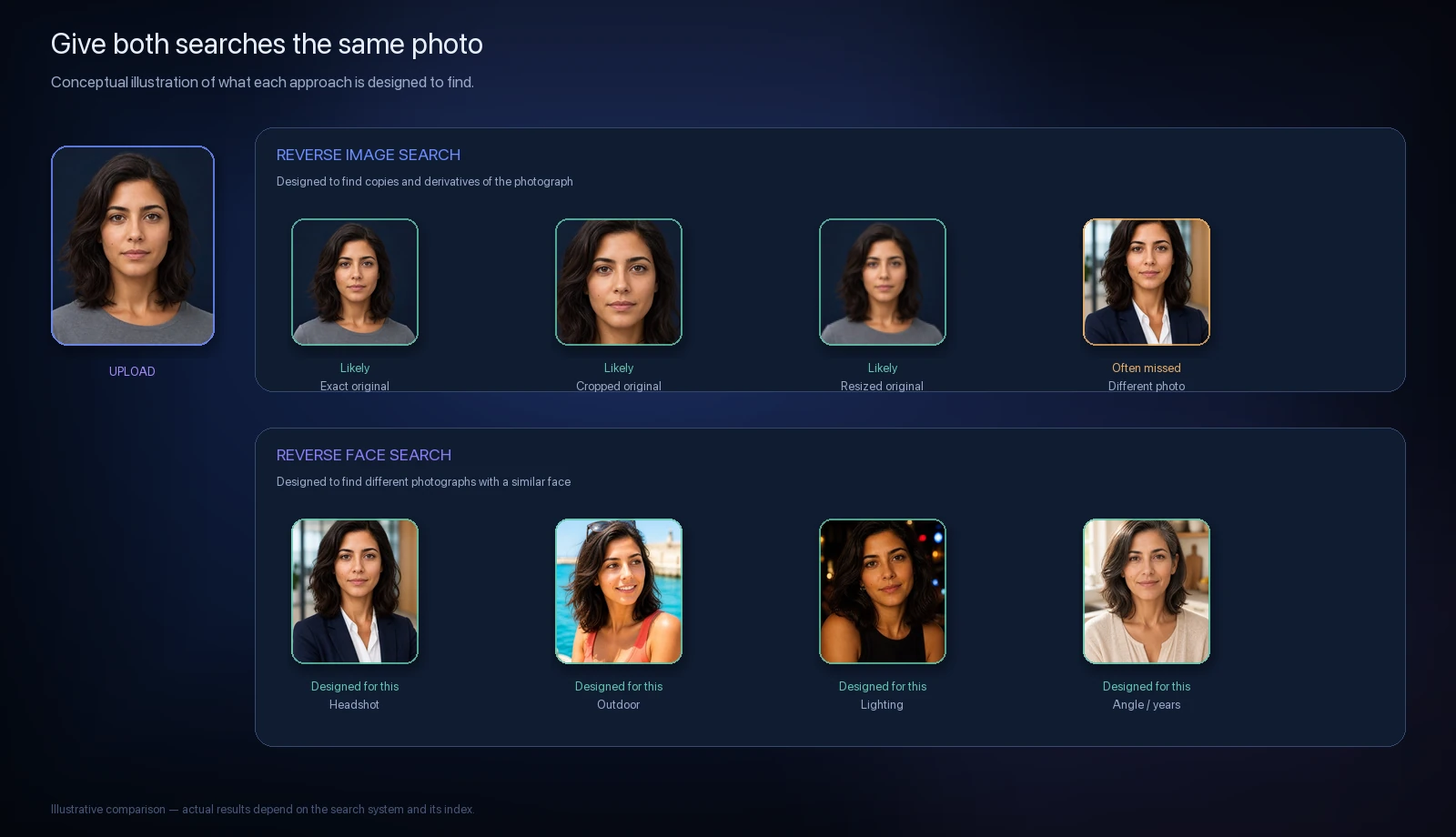
Why reverse image search can miss another photo of the same person
This is one of the easiest ways to understand the distinction.
Imagine two photographs taken five minutes apart. In the first, someone is facing the camera. In the second, they turn their head, smile and move several feet away.
To us, recognizing the same person may seem obvious. But those are two distinct images.
The pixels changed. The pose changed. The background changed. Facial expression changed. Portions of the face may even occupy different locations within the frame.
Reverse image search can use sophisticated visual understanding beyond literal pixel matching, and different engines behave differently. But finding different photographs because they contain the same face is specifically the problem facial recognition is designed to address.
For a deeper look at detection, alignment, embeddings, and ranking, see How Reverse Face Search Works.
Face search has a problem reverse image search doesn't
Lookalikes.
When searching for copies of a photograph, there's a concrete relationship between the original and its copies.
Facial similarity is messier. Different people can share facial characteristics. A face recognition model may therefore rank a photograph highly even though it depicts someone else.
That is why CatchAFace treats results as possible visual matches rather than identity determinations.
A similarity score should answer:
How visually similar were these facial representations according to the system?
It should not be interpreted as:
How certain are we that this is the same person?
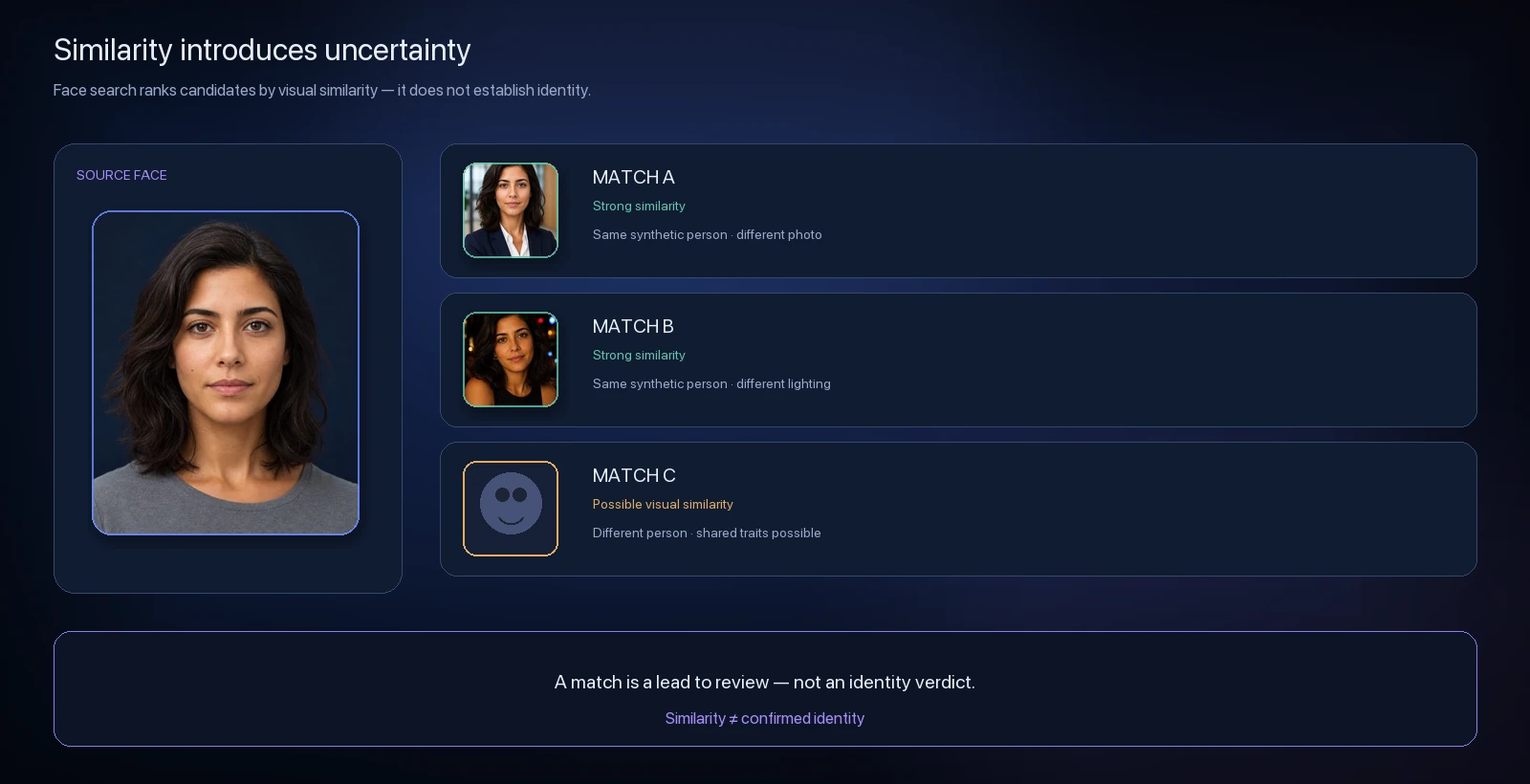
Which one should you use?
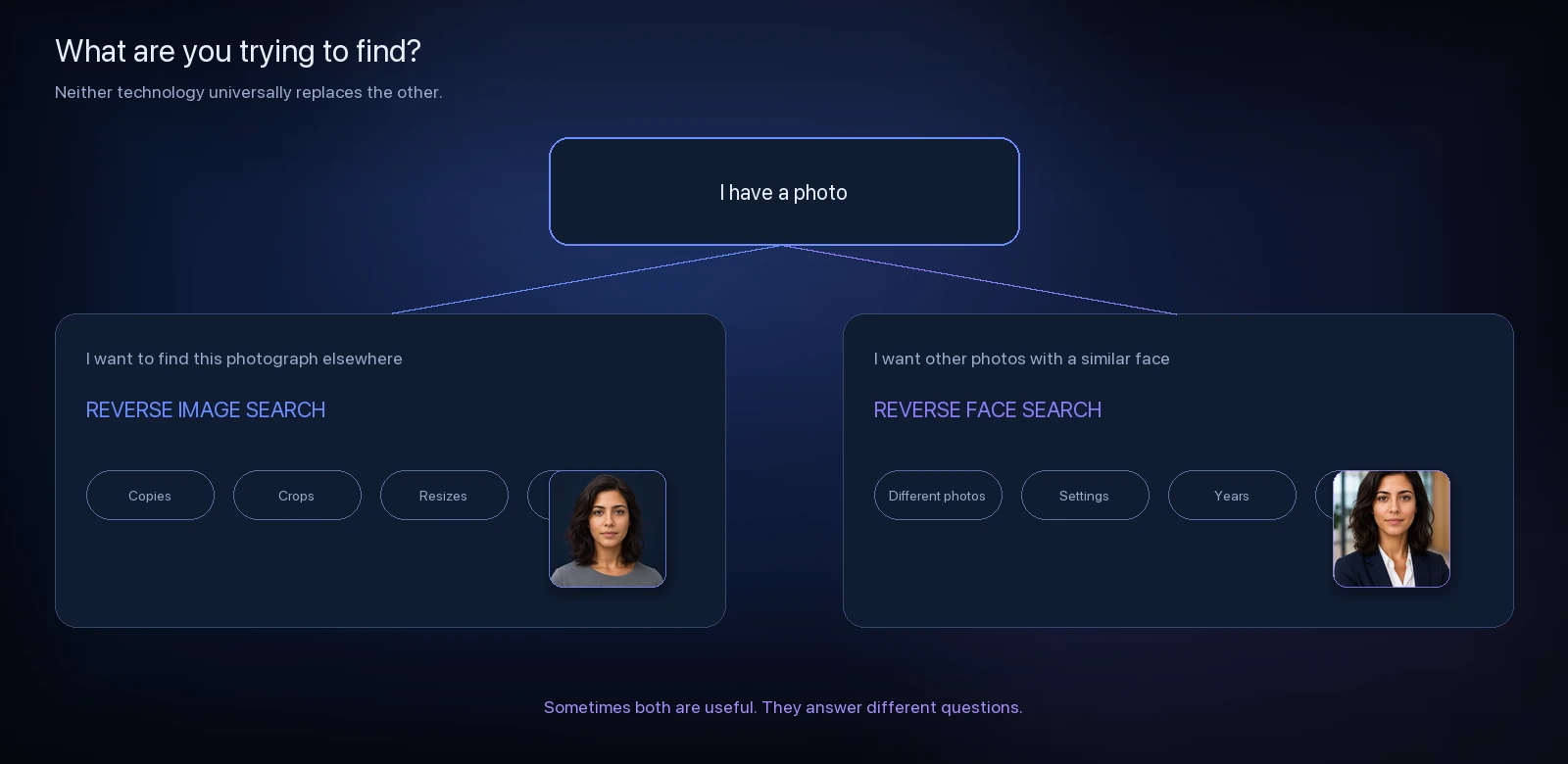
Neither technology universally replaces the other.
Use reverse image search when the photograph itself is what matters. If you're trying to discover whether an exact photo has been reposted, find another resolution, trace its source, or locate altered copies, traditional image search may be exactly what you need.
Use reverse face search when you're trying to discover different publicly indexed photographs containing a visually similar face.
Sometimes using both provides useful context because they're approaching the image from different directions.
Neither searches the entire internet
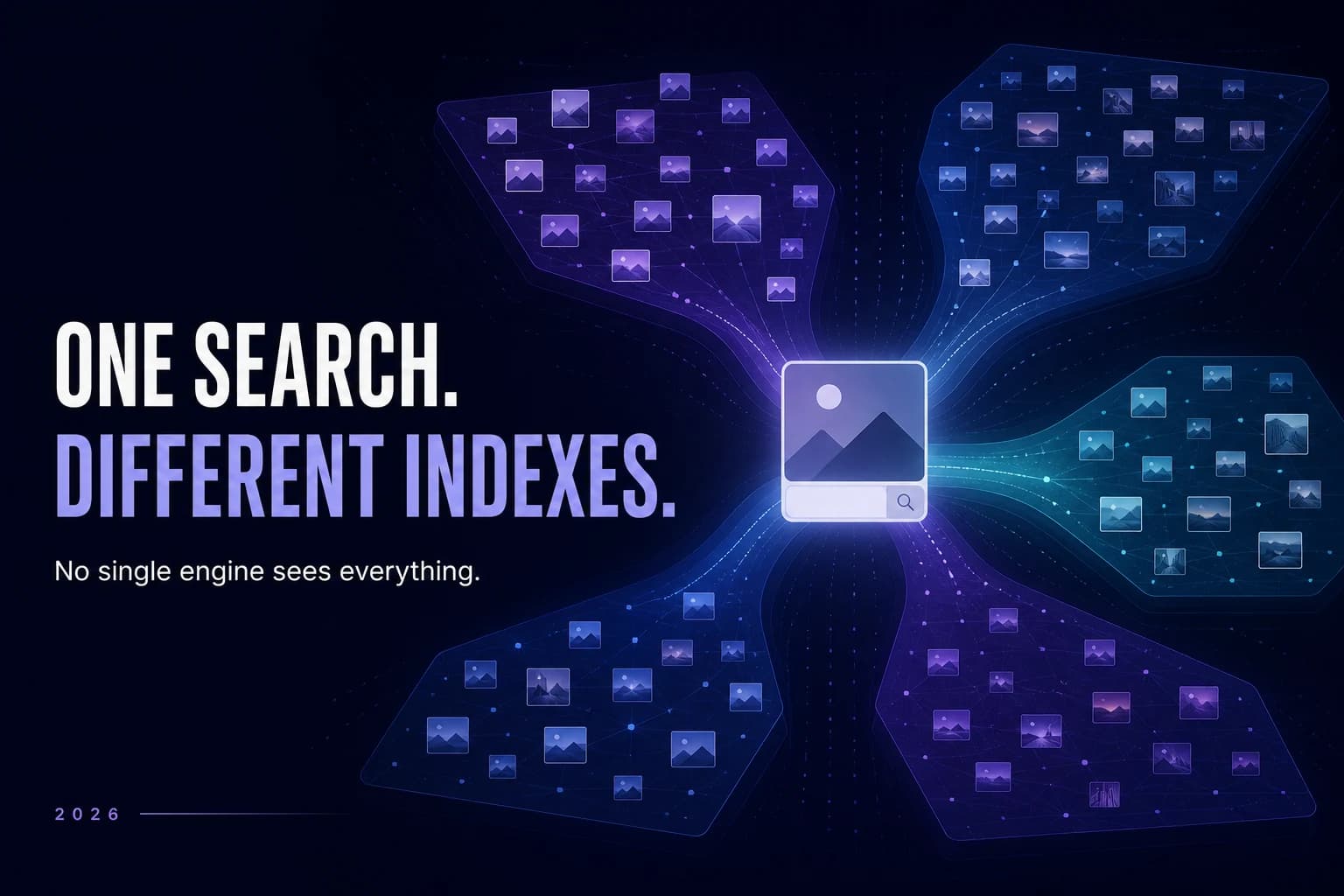
There's another limitation both technologies share: they can only return what their search systems can access and index.
An image being publicly visible somewhere online does not guarantee that a particular reverse image or face search provider has indexed it.
Private accounts, restricted pages, blocked crawlers, recently published images, removed pages, unsupported websites and gaps in an engine's index can all affect what appears in results.
That's why “no results” should never be interpreted as proof that an image — or a person's photograph — does not exist elsewhere online.
Want to see why? Read How Reverse Face Search Works for a visual explanation of the public web versus a searchable index.
What CatchAFace is doing differently
CatchAFace is built around facial similarity search, rather than traditional reverse image matching.
The goal is to help surface visually similar faces appearing in publicly indexed web imagery and provide the source context needed to review those results.
That doesn't make every result an identity match. It doesn't mean every photograph of a person on the public web can be found. And it doesn't turn similarity into proof.
Instead, reverse face search provides another way to explore what's publicly discoverable when the thing you're interested in isn't a particular image — it's the face within it.
The easiest way to remember the difference
Reverse image search follows the photograph. It asks where the same or a related image appears.
Reverse face search follows facial similarity. It asks where visually similar faces appear across different photographs.
Both begin with an image. They're searching for different things.
Related Articles
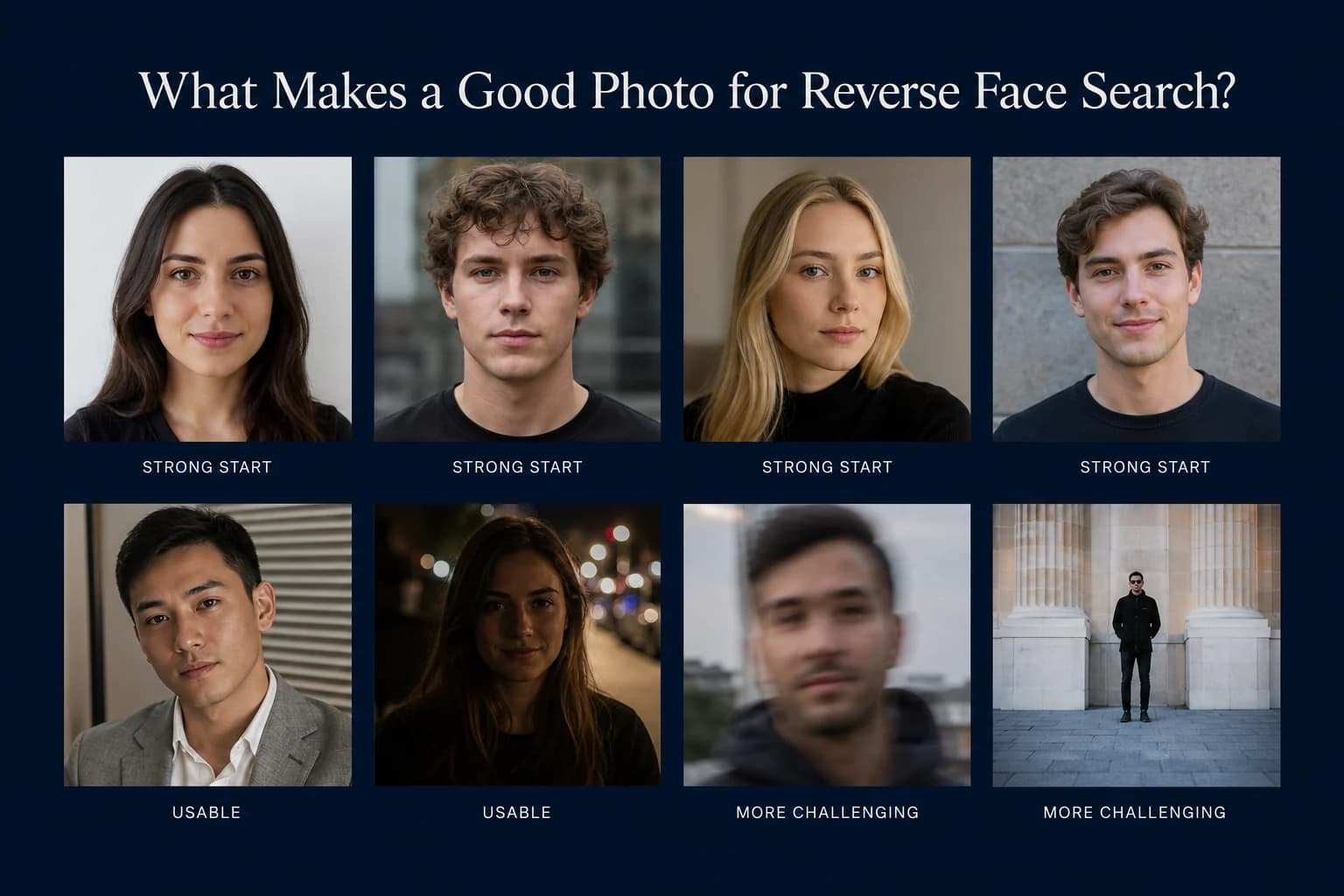
Guides
What Makes a Good Photo for Reverse Face Search?
A clear photo gives facial recognition more useful information to compare. Learn which photos make the best starting point for reverse face search — and which common problems can make searching harder.
7 min read
Guides
How to Find Where Your Photos Appear Online
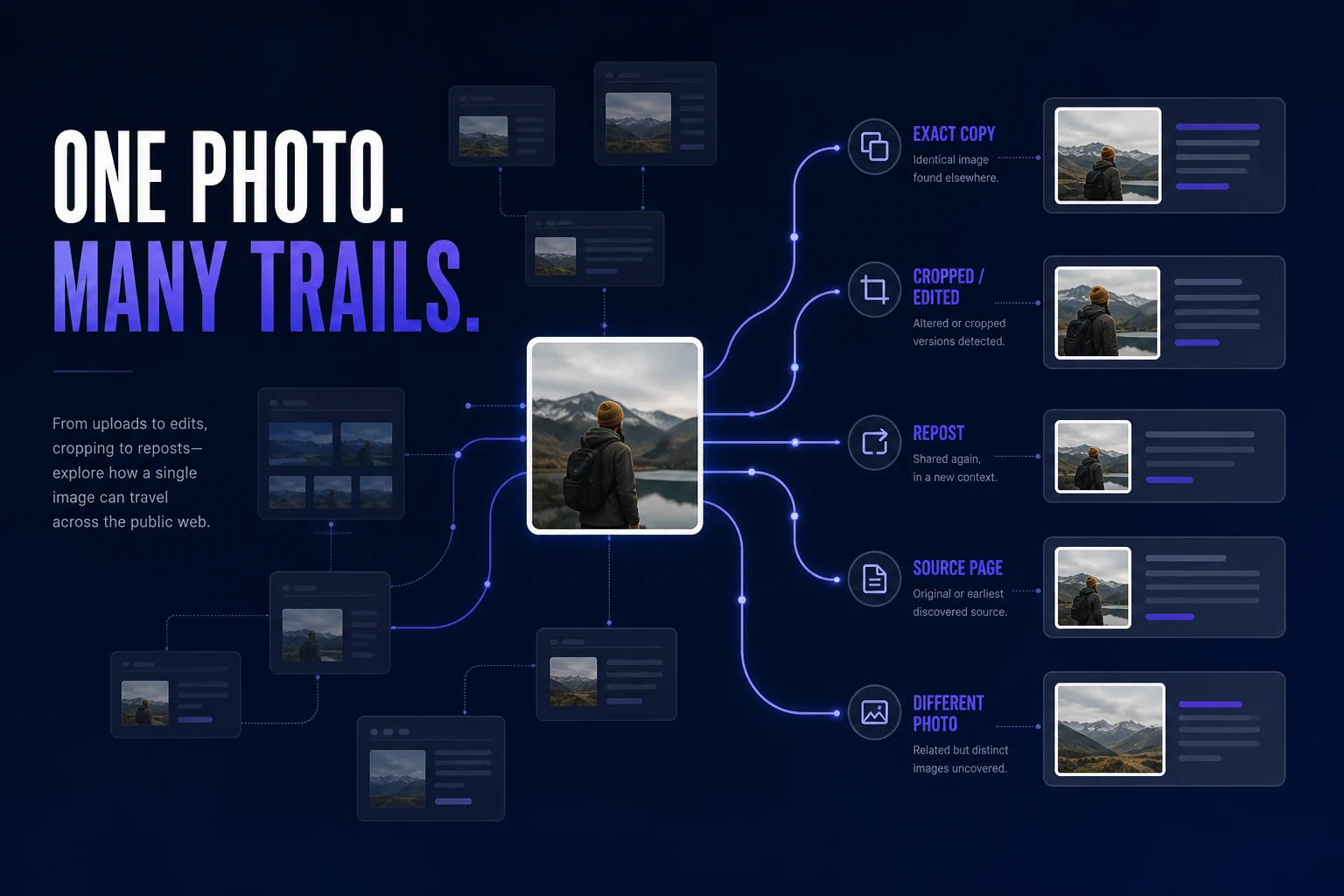
Trying to find where a photo of you appears online? Learn how to search for exact copies, modified versions, different photos of your face, and the webpages behind the results.
7 min read
Guides
Best Reverse Face Search Engines in 2026
Reverse face search engines don't all search the same sources or present results the same way. Here's how the major face-search options in 2026 differ — and which type of tool may fit what you're trying to find.
9 min read